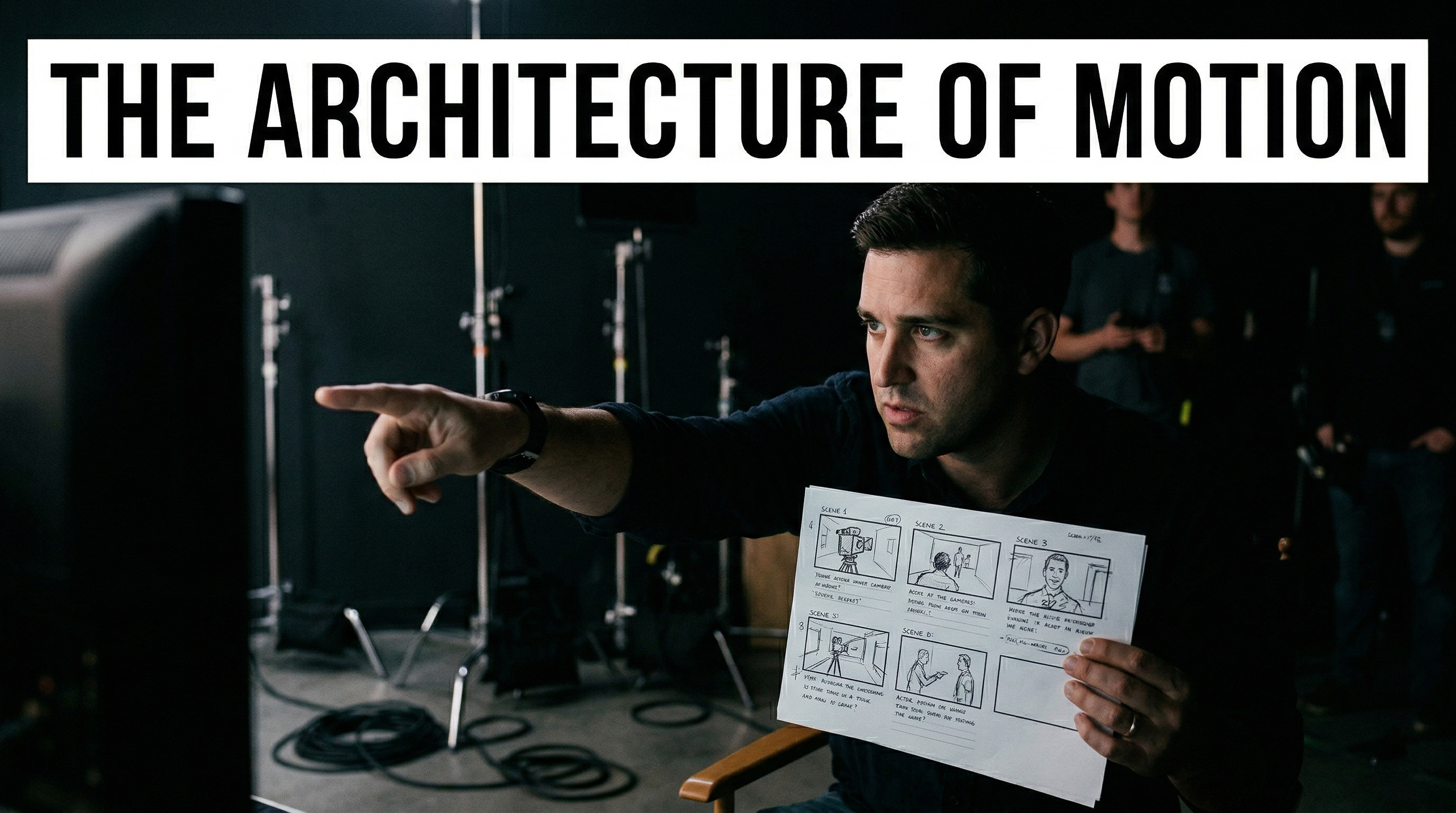
Beginners fail in AI video for one simple reason: they think the model is a magician. It is not. It is a camera crew with amnesia, working inside a probabilistic machine. If you throw a chaotic paragraph at it, you do not get brilliance. You get noise with occasional luck. The current platforms are telling you this very clearly. Google Flow is built around ingredients, frames, and shot assembly. Runway’s latest workflow is image-led and shot-length constrained. Kling keeps adding stronger motion and reference controls. The signal is obvious: professional output comes from structure, not wishful prompting.
The Illusion of the Magic Button
The amateur fantasy is always the same: "I wrote a cool paragraph, why didn’t I get a finished commercial?" Because a commercial is not a paragraph. It is coverage, continuity, pacing, and editorial judgment. Veo’s own prompt guide asks for framing, motion, style, action, and even detailed sequencing when the shot gets busy. Runway’s documentation says prompts should be direct, descriptive, and visually clear, not conceptual or conversational. That is not how you speak to a genie. That is how you brief a cinematographer. If your prompt reads like a mood board having a nervous breakdown, your result will look the same.
The Anchor Shot Protocol
For beginners, text-only video generation is too volatile. The professional move is to lock the visual world first, then ask for motion. Google Flow now lets you work from ingredients and frames, and even save frames from generated clips back into the project for reuse. Runway Gen-4 requires an input image, and its product messaging is openly centered on consistent characters, objects, and locations from reference images. Even older Runway Gen-3 image workflows treated the uploaded image as the first frame, while Kling’s image-to-video and Omni workflows are built around references that stabilize identity and scene logic. This is why the anchor image matters. It stops you from redesigning your protagonist, wardrobe, and art direction every time you press generate.
Cinematic Grammar
Now fix your language. Stop prompting feelings as if the engine is your therapist. "A sad man thinking about life" is weak direction. "Medium close-up, 85mm lens, shallow depth of field, window side light, practical lamp in background, slow push-in, restrained facial movement" is usable direction. The major tools all point in this direction. Veo asks for framing, motion, style, environment, lighting, and action. Runway’s guides emphasize descriptive prompt structure and explicitly catalog camera styles, lens terms, and lighting keywords. Kling’s own image-to-video guide reduces the task to a clean "Subject + Movement" logic. The machine does not need your poetry first. It needs your optics first. Emotion arrives later through performance, edit rhythm, and sound.
The Discipline of Micro-Actions
Here is where most generations die: beginners overload the shot. They ask for a character to run, turn, laugh, grab a phone, look into camera, while the drone rises, the sun sets, traffic moves, and confetti explodes. Then they blame the model. That is not a prompt. That is a production collapse. Current tools reward narrower intent. Runway Gen-4 is built around short 5 or 10 second outputs. Kling Motion Control warns that complex or fast-paced motions may shorten usable action duration and recommends adjusting complexity and speed. Flow itself is organized around clips and scene assembly, not one giant master take. Think in micro-actions: one camera move, one subject move, one beat of change. Generate the glance. Then the hand movement. Then the step forward. Build sequence through disciplined coverage.
The Reality of the Edit
AI video tools generate clips. They do not absolve you from editorial responsibility. Yes, Flow has Scenebuilder for sequencing and trimming, and yes, modern platforms let you extend shots, save versions, and iterate quickly. But that is still only the beginning of filmmaking. Rhythm, tension, silence, impact, and narrative emphasis are editorial decisions. Sound design is still where cheap AI footage either dies or becomes cinematic. The same is true for pacing. A competent editor can rescue a plain shot with timing and audio. A bad editor can destroy a beautiful shot in seconds. The model gives you fragments of visual possibility. The timeline turns those fragments into meaning.
Final Discipline
So here is the workflow beginners actually need: create or approve an anchor image, generate one controlled motion beat at a time, speak in camera language, and cut the story in the edit. That is the architecture of motion. Not prompt gambling, not aesthetic superstition, not blind faith in a single text box. Professionals do not ask the machine for a finished film. They use it like a volatile but powerful camera on a virtual set, then impose order through references, shot design, and editorial discipline. The sooner you accept that, the sooner your work stops looking like an accident.