Here is the dirty secret of AI filmmaking: the shot everyone posts is almost never the shot they actually got.
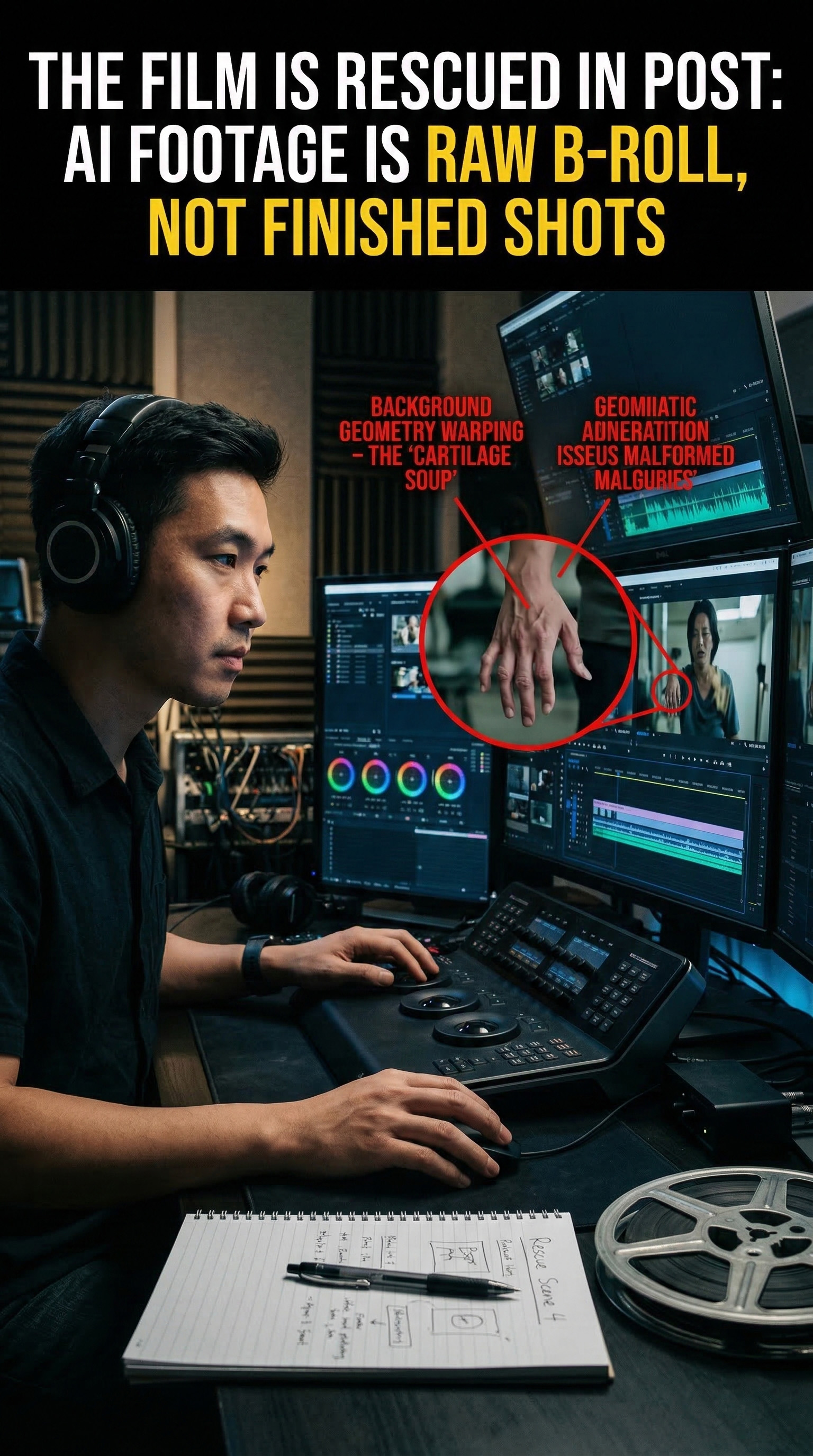
People love showing the prompt. They love showing the cleanest two seconds. They love posting a gorgeous frame grab and acting like the model delivered a finished cinematic moment straight out of the machine. What they do not show you is frame 72, where the character’s hand becomes cartilage soup, the shoulder folds into itself, and the background architecture starts behaving like wet wax. They do not show you the eye line drifting, the fake cloth simulation, the jaw vibrating between identities, or the camera move that suddenly forgets what perspective is.
So let me say it plainly. AI footage is not a finished shot. It is raw, unstable B-roll.
That mindset changes everything. The moment you stop treating a generation as sacred and start treating it like compromised source material, your timeline gets smarter. You stop asking, “Why didn’t Veo give me perfection?” and start asking the only useful question: “What survives, and how do I build rhythm around it?” That is the real job. Not prompt worship. Not screenshot flexing. Editing. Salvage. Brutal selection. If you have spent fourteen hours in Premiere or Resolve trimming around hallucinations, you already know the truth: the film is not born in the generator. It is rescued in post.
Cutting on the Glitch (The 3-Second Survival Rule)
AI models decay over time. That is the rule. Some decay elegantly, some collapse fast, but almost all of them lose structural integrity the longer the shot runs. Motion compounds error. A hand touches fabric, then the fabric contaminates the arm. A head turns, then the face slips. A camera push continues half a second too long, and the room geometry starts lying.
This is why I live by what I call the three-second survival rule. In most AI shots, the strongest usable material is in the front section of the clip. Not always the first second, but almost always before the shot has had enough time to invent new physics. I scrub frame by frame and look for the exact moment stability starts to leak. Not the full breakdown. The leak. That tiny pre-failure vibration where the model is still pretending it knows what it is doing.
I cut one frame before that moment.
That last sentence matters. Beginners cut when the glitch becomes visible. Editors cut before the audience can register it. The cut has to feel intentional, not evasive. If the shoulder starts warping on frame 73, I am probably out on 71 or 72, depending on motion blur and cadence. If the background starts to melt during a pan, I leave before the lines bend. If a smile begins drifting off-model, I cut on the breath before the face falls apart.
This is where J-cuts and L-cuts become survival tools, not style decorations. I will often let the audio of the next shot come in early so the visual cut feels motivated by rhythm instead of rescue. Sound can hide panic. A well-placed J-cut convinces the brain that the transition was always meant to happen there. The audience follows the momentum of the scene while you quietly bury the body.
The biggest mistake I see is emotional attachment to duration. Just because the model gave you five seconds does not mean the film needs five seconds. Sometimes the real shot is 43 frames long. Fine. Use 43 frames. Cinema is full of fragments that feel complete because the cut lands with confidence.
Killing the “AI Slow-Motion” (Speed-Ramping)
Most raw AI video has the same disease: fake dream inertia. Everything feels suspended, frictionless, slightly underwater. Characters move like they are gliding through padded air. The camera floats instead of operating. Even when the imagery is beautiful, the motion often has no mass. That is what makes so much AI footage feel impressive for half a second and then strangely dead.
You fix that in time remapping.
I use speed-ramping not as an effect, but as corrective surgery. Sometimes a shot needs a subtle push from 100% to 115% just to restore a sense of human intent. Sometimes I ramp through the middle of a move to create acceleration where the model gave me mush. If a character turns too softly, I tighten the action with a controlled speed increase and then let it settle back into normal time near the end of the motion. That gives the turn weight. It gives the shot a spine.
Optical flow can help, but it can also create its own hallucinations if you trust it blindly. I only use it when the shot’s geometry is already stable enough to interpolate cleanly. If the limbs are drifting or the background is unstable, optical flow will happily invent a new nightmare between frames. In those cases, frame sampling or frame blending may actually be uglier in theory but safer in practice.
The goal is not slickness. The goal is gravity.
AI often generates motion that has no convincing acceleration curve. Real cameras and real bodies have drag, impact, hesitation, inertia. Speed-ramping lets you reintroduce those physical cues. It can turn a floaty pass into something with momentum. It can make a glance feel sharp, a step feel planted, a push-in feel deliberate. Once motion has weight, the audience stops reading the shot as synthetic and starts reading it as cinematic.
The Punch-In (Hiding the Melting Edges)
AI loves to fail at the edges of frame. That is where the ghosts live.
Extra fingers drift in from off-screen. Background extras mutate. Furniture grows out of walls. Door frames stop being door frames. Peripheral areas often get less attention from the model, especially in shots with motion, shallow depth cues, or multiple subjects. If you keep treating the full frame as usable, you will keep losing shots that were actually salvageable.
Punch in.
I do this constantly. One hundred and ten percent. One hundred and fifteen. Sometimes one hundred and twenty if the source resolution can take it. A careful punch-in is not a compromise. It is a reframing decision. It lets me crop out the dead tissue and redirect the eye toward the one part of the shot that still has integrity.
A short list of what a punch-in solves fast:
- Edge hallucinations
- Drifting props
- Unstable background lines
- Composition that felt too wide and anonymous anyway
The trick is to commit to the new frame like you meant it. Do not just scale up and hope. Recompose. Find the emotional center. Use keyframes if the subject drifts. Build a cleaner eyeline. Sometimes the punch-in turns a mediocre wide shot into a much stronger medium close-up. Suddenly the audience is reading expression instead of inspecting the corners for evidence of machine failure.
This is also where masking earns its keep. If the edge problem is isolated, I might combine a punch-in with a soft mask and a subtle garbage matte to suppress a flickering object or a malformed hand crossing the border. It is not glamorous work. It is trench work. But it keeps the shot alive.
Texture as a Mask
Raw AI footage usually looks too clean in the wrong places and too fake in the important ones. Skin has that synthetic smoothness. Contrast rolls off strangely. Surfaces feel plastic, like the image has been airbrushed and then lightly cursed. Worst of all, each generated shot often has a slightly different internal logic. Different noise structure. Different lens behavior. Different micro-contrast. Different color science, if you can even call it that.
Texture is how you force these shots to belong to the same world.
I am aggressive here. Film grain is not decoration. It is camouflage. Good grain breaks up the plastic smoothness and gives the image a living surface. It also hides micro-glitches by adding controlled chaos over uncontrolled chaos. Halation helps too, especially if the highlights feel clinically digital. A little bloom around practicals or bright edges can soften the synthetic harshness and create the illusion of optical behavior. Lens distortion, chromatic softness at the edges, subtle gate weave if appropriate, all of that helps de-perfect the frame in a useful way.
Then comes color grading, which is where the lie becomes coherent. I do not mean a lazy LUT slapped over everything. I mean real balancing. Matching black levels. Controlling skin bias. Taming spectral weirdness in highlights. Building a contrast curve that gives the footage density. Sometimes I crush the shadows harder than I would with live-action plates simply because shadow is merciful. It hides sins. Sometimes I warm the mids and dirty the greens a little so the image stops looking like polished concept art and starts feeling photographed.
Texture does one more critical thing: it unifies disparate sources. If one AI shot is slightly too sharp, another too mushy, and another full of micro-flicker, a strong finishing pass can pull them into one visual language. Not perfect. Believable. That is the target.
The editor’s job is not to worship the generation. It is to interrogate it. To trim it, bend it, accelerate it, crop it, scar it, and grade it until it serves the sequence. AI can generate pixels. Fine. Useful. Sometimes beautiful. But pixels are cheap. Rhythm is not. Timing is not. Story pressure is not.
The machine gives me unstable fragments. I decide where the shot begins, where it dies, and what the audience feels before it disappears. That is why post is not cleanup. Post is authorship.